One source in.
A campaign of stories out.
Bring a video, YouTube link, image, written post, voice note, product link, podcast, livestream or existing social post. Apexlane AI is designed to find the angle, shape polished edits and campaign assets, then leave the final say with you.
Static product preview · uploads, AI editing, connected accounts, scheduling, publishing, inbox and analytics are not live here.
BUILT FOR WHAT'S NEXTMade for momentum
FROM RAW TO READYOne clip. A complete workflow.


9:41● ● ●
STATIC UI MOCK · CREATOR REFERENCEOne take.
Many moments.Caption + motion preview · no output created
Static workflow mock · no live edit or account connected
Raw footageHook selectionVertical cutsKinetic captionsMotion polishBrand voiceSchedule previewChat-first agentRaw footageHook selectionVertical cutsKinetic captionsMotion polishBrand voiceSchedule preview
Creator studio · public clip referenceOne raw take.
One raw take.
A sharper story.
A strong vertical cut earns the first second, carries the point with readable captions, and lands on a clear payoff. This source-linked creator clip is a reference frame—not an Apexlane AI-generated result.
@snugglyboop · public post9:16short-form reference · source-linked
36.3mviews · reference snapshotOriginal post ↗
AI video production · the Apexlane AI agentOne source.
One source.
A complete campaign.
Apexlane AI is designed to understand the product, topic, audience and tone—then turn one input into channel-specific creative that a person can review before release.
Raw footage in.
Stories ready to move.
Tell the Apexlane AI agent what you want in the chat you already use. It is designed to shape a source video into polished short-form edits.
- Understand the topic, audience and tone; find hooks and key moments
- Remove silences, fillers and mistakes; add captions, animation, transitions, music, B-roll and branding
- Create platform versions plus titles, descriptions, hashtags, keywords, thumbnails, CTAs and pinned comments
- Keep a human approval step before scheduling or publishing
- Plan TikTok, Reels, Shorts, Facebook and LinkedIn
Publishing plan · preview● DEMO STATE
TikTok · sample cutCaptioned vertical edit · preview
DemoInstagram Reels · sampleExample window · not scheduled
DemoLinkedIn · sample postDraft for review · not published
DemoYouTube Shorts · sampleExample cut · not published
DemoNo accounts connected in this demoCalendar preview →
Source clips · creator and stock referencesCreator stories.
Creator stories.
Campaign thinking.
Nine source-linked examples—five public creator references plus four new Pexels stock clips, distinct from the video-lane references. Explore format, pacing and storytelling. None are Apexlane AI-made outputs or creator endorsements.
01 / 09




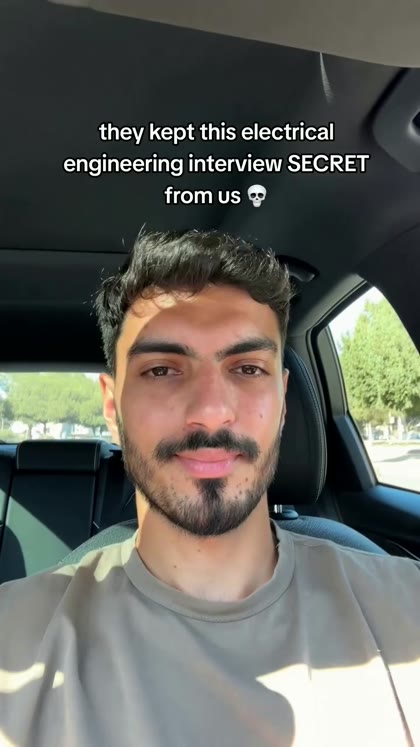
SnugglyboopTikTok
Public referenceOriginal post ↗
Off CourseInstagram
Public referenceOriginal post ↗
SpillInstagram Reel
Public referenceOriginal post ↗
OzardInstagram Reel
Public referenceOriginal post ↗
VoltageInstagram Reel
Public referenceOriginal post ↗
Night-market cutPexels stock
Kenan Turguç · PexelsPexels source ↗
Market-day storyPexels stock
George Pak · PexelsPexels source ↗
Creator kitchen tutorialPexels stock
Ron Lach · PexelsPexels source ↗
Orchid mood studyPexels stock
MART PRODUCTION · PexelsPexels source ↗
The Apexlane AI source libraryEvery source has
Every source has
a story to tell
Explore nine source-linked short-form video references from licensed stock and public creators—not Apexlane AI-made output or customer proof.
Three moving lanes · nine source-linked clips
Real references. Different ways to tell the story.
Four credited Pexels stock samples and five public creator references. These are licensed stock or public references—not Apexlane AI-generated output, endorsements, testimonials, or customer proof. Select any card by mouse, touch, or keyboard to open its player and source.


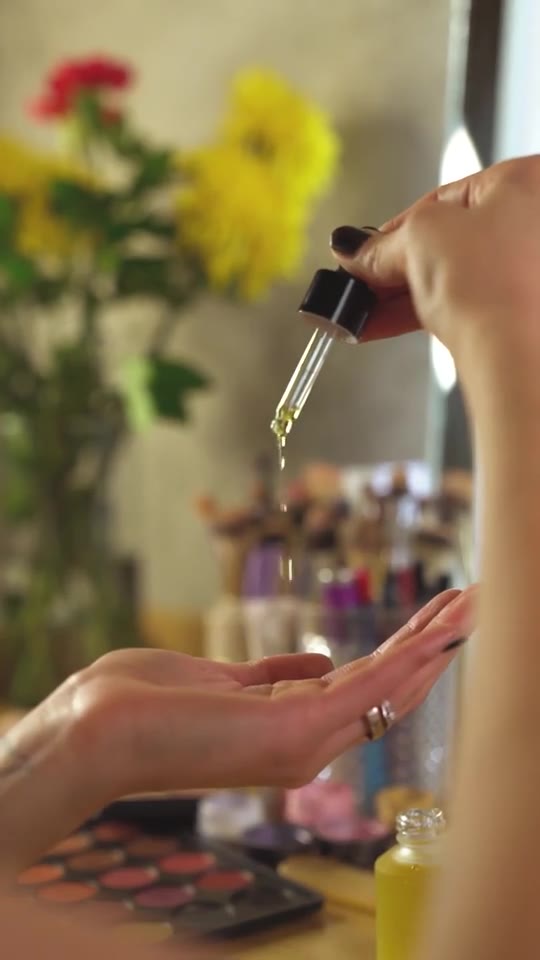
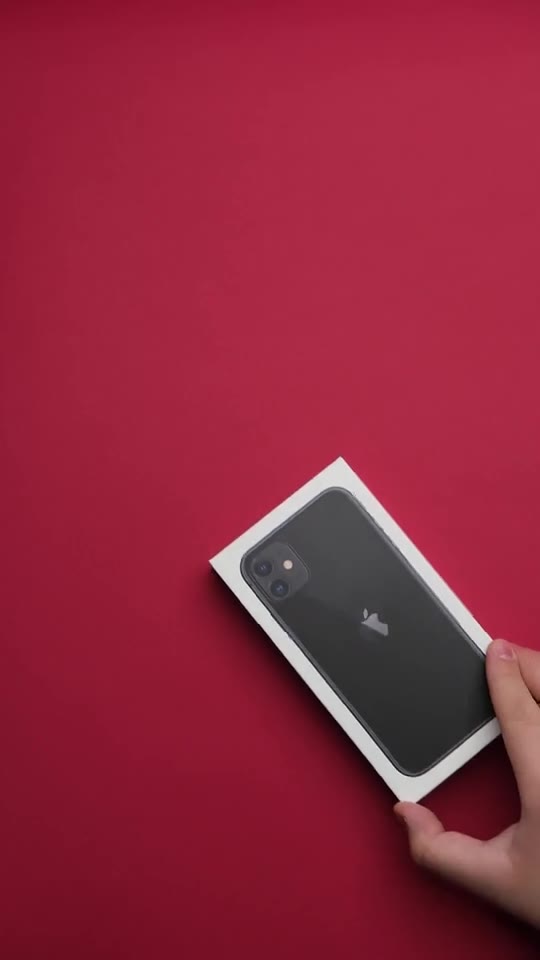
Static prototype · stock clips and creator references are linked to their sources; no uploads, AI editing, connected accounts, scheduling, publishing, inbox, commerce or analytics are live.
Source links and creator credits are provided in each player. The repeated lane cards are a browsing treatment; the original nine clips remain selectable once by keyboard.
APEXLANE AI · CAMPAIGN FILM STORYBOARD00:00–00:04
SCENE 01 · INPUTStart anywhere.
Start anywhere.
One campaign out.
A source and a clear brief begin the story.
STORYBOARD · FRAME 01 / 05
Storyboard · campaign film conceptOne source.
One source.
A full campaign in motion.
A five-beat, 30-second Apexlane AI brand-film concept: from an incoming source to a human-reviewed, cross-channel campaign. This panel is an interactive storyboard, not a finished or generated video.
Draft voice-over · five scene beats 00:30
Bring any source to the agent—with one clear brief.
A video, voice note, image, product link or post can start the campaign concept.Find the hook and the moments worth keeping.
Topic, audience and tone shape the edit direction.Build every deliverable around one story.
Short cuts, captions, channel copy and campaign creative.Review the complete set before release.
Human approval stays in the intended workflow.Prepare the campaign for the channels ahead.
Entry points and publishing actions are illustrative—not connected in this static preview.
How it works · conceptFrom source
From source
to story.
One reviewable campaign built from many kinds of content. This front-end shows the idea only; it does not process uploads.
Start anywhere
Bring raw or long video, Reels/Shorts, YouTube links, images, written posts, voice notes, product links or videos, podcasts, livestreams or existing social posts. The website, WhatsApp, Telegram, ChatGPT and Claude are intended entry points.
Find and polish the story
Understand topic, audience and tone; find hooks and moments; remove silences, filler and mistakes, improve audio, and shape clips or full edits with captions, motion, transitions, music, B-roll, brand style, aspect ratios and thumbnails.
Build every campaign asset
Create channel versions, posts, carousels, quote graphics, promotional and product videos or ads, with titles, descriptions, captions, hashtags, tags, keywords, CTAs and pinned comments.
Review, then plan release
A person reviews and approves before scheduling or publishing. The concept can suggest platforms and times for TikTok, Instagram, YouTube, Facebook and LinkedIn; nothing is connected or published in this demo.
ONE SOURCE. EVERY NEXT MOVE.
Stop putting off
your marketing.
Do it with
Apexlane AI.

The Apexlane AI workflow · concept
Less scramble.
Less scramble.
More signal.
Three thoughtful steps from raw material to a campaign a person can review. This page is a static concept preview, not a live editing or publishing product.
Approval stays human
Inspect each proposed edit and channel draft, then make the call. This concept does not approve or publish content.
Trend & reference gallery
Explore five source-linked public clips and adaptable format ideas. This is not a live trend feed, and the clips are not Apexlane AI-made.
Content for each channel
Plan short-form edits, caption sets and carousel outlines around one clear idea, with a person checking every version before release.
Conversation care · product conceptStay helpful in every
Stay helpful in every
conversation.
Designed to handle safe, routine questions with on-brand auto-replies—and to bring a person in when a conversation is important, sensitive or uncertain.
Automatically reply to comments
Envision helpful, brand-aligned replies to routine comments. Important, sensitive or unclear threads can be escalated to a person instead of guessed at.
Automatically respond to DMs
Envision safe, on-brand automatic responses to routine direct messages, with important, sensitive or uncertain conversations handed off for human review.
Product concept only · no social accounts are connected, and this static prototype does not generate or send DM or comment replies.
Illustrative product UI only · uploads, AI editing, connected accounts, inbox, automatic DM/comment replies, scheduling and publishing are not live in this preview.
Stories from the studio · concept examples
Loved by builders,
Loved by builders,
worldwide
Concept examples — not real testimonials. These fictional campaign prompts are illustrative creative directions, not customer quotes, reviews, identities, results, or brand endorsements.
BRAND MOMENT · CONCEPTIDEA 01
A product arrives
Open with a reveal, then land on one useful detail.
ILLUSTRATIVE CREATIVE DIRECTION
EDUCATION · CONCEPTIDEA 02
Make the detail click
Turn one question into a clear, visual explanation.
ILLUSTRATIVE CREATIVE DIRECTION
CREATOR-LED · CONCEPTIDEA 03
A day around the ritual
Let a familiar routine introduce the product naturally.
ILLUSTRATIVE CREATIVE DIRECTION
SHORT-FORM · CONCEPTIDEA 04
Pause, then payoff
Build visual curiosity before sharing the point.
ILLUSTRATIVE CREATIVE DIRECTION
CAMPAIGN IDEA · CONCEPTIDEA 05
One story, many shapes
Adapt a core idea into video, captions, and a carousel.
ILLUSTRATIVE CREATIVE DIRECTION
PRODUCT DEMO · CONCEPTIDEA 06
Show the small win
Start with a common friction, then reveal a feature.
ILLUSTRATIVE CREATIVE DIRECTION
FOUNDER POV · CONCEPTIDEA 07
Why it exists
Connect a product choice to the problem it addresses.
ILLUSTRATIVE CREATIVE DIRECTION
CAROUSEL · CONCEPTIDEA 08
One useful thought
Give each frame one focused step toward the takeaway.
ILLUSTRATIVE CREATIVE DIRECTION
LAUNCH · CONCEPTIDEA 09
Build a little anticipation
Tease the moment, reveal what is new, invite exploration.
ILLUSTRATIVE CREATIVE DIRECTION
BEHIND THE SCENES · CONCEPTIDEA 10
Make the process visible
Show a craft detail, a decision, or how something is made.
ILLUSTRATIVE CREATIVE DIRECTION
FAQ · CONCEPTIDEA 11
Answer what people ask
Put one question first, then answer it with a simple demo.
ILLUSTRATIVE CREATIVE DIRECTION
SEASONAL · CONCEPTIDEA 12
Meet the moment
Shape a timely idea around the brand’s own voice.
ILLUSTRATIVE CREATIVE DIRECTION
BEFORE / AFTER · CONCEPTIDEA 13
Let the contrast speak
Show a meaningful change without adding unverified claims.
ILLUSTRATIVE CREATIVE DIRECTION
LOCAL STORY · CONCEPTIDEA 14
Put a place on screen
Pair a sense of context with one product detail.
ILLUSTRATIVE CREATIVE DIRECTION
SERIES · CONCEPTIDEA 15
Return to one useful theme
Develop connected short episodes around a single topic.
ILLUSTRATIVE CREATIVE DIRECTION
The Apexlane AI campaign engine · concept
One agent.
One agent.
Many ways in. One campaign out.
Start with a video, voice note, post, image or product link. The agent is designed to understand the brief, shape a cohesive content kit and prepare channel-specific drafts for human review.
EDIT · CAPTIONS
Find the story’s best moment.
Shape a clear hook and readable caption direction.
REPURPOSE · CHANNELS
Make one idea travel.
Plan vertical cuts, carousel outlines and channel copy.
BRAND · GUARDRAILS
Keep the voice recognizable.
Carry tone, visual direction and product details through each draft.
REVIEW · RELEASE
A person makes the final call.
Check every asset before a calendar or publishing step is proposed.
APEXLANE AIAGENT · CONCEPT
CAMPAIGN REQUEST PREVIEW
VIDEO + CREATIVE BRIEFMake the most
of this story.Long-form source · 08:16
Understand the story01
Shape the strongest cuts02
Build the campaign kit03
CAMPAIGN DRAFTSCONCEPT
Short cutsChannel copyCarousel
01 Input02 Understand03 Create04 Review05 Publish
Concept preview. These platform marks and workflow steps are illustrative: uploads, AI editing, connected accounts, approvals, scheduling, publishing, inbox and analytics are not implemented here.
Plan concepts · Apexlane AIChoose your workflow.
Choose your workflow.
Make room to grow.
Three product directions for creators, businesses and teams. Final plan details and pricing have not been set.
A clear first step
Draft
For your first Apexlane AI workflow
Conceptdetails to be confirmed
- Preview the short-form edit flow
- Sample captions and motion
- One publishing-plan preview
- No connected account required
A steady social rhythm
Momentum
For a steady publishing rhythm
Conceptdetails to be confirmed
- More room for monthly clip edits
- Reusable brand voice and caption styles
- Four-channel calendar preview
- Chat-first request flow concept
More room to grow
Studio
For a team in motion
Conceptdetails to be confirmed
- Expanded clip-editing allowance
- Multiple brand workspaces
- Review and approval flow concept
- Team publishing-calendar preview
02 / 03
Plan names and workflow examples are concepts. Pricing, allowances, checkout, subscriptions and account creation are not set or connected in this preview.
Good questionsThe quick
The quick
answers.
A clear picture of the concept.
Raw or long-form video, Reels/Shorts, YouTube links, images, written posts, voice notes, product links or videos, podcasts, livestreams and existing social posts.
The product concept includes clips and full edits, platform versions, posts, carousels, quote graphics, promotional or product videos and ads, plus titles, descriptions, captions, hashtags, tags, keywords, CTAs and pinned comments.
The Apexlane AI website, WhatsApp, Telegram, ChatGPT and Claude are intended entry points. TikTok, Instagram, YouTube, Facebook and LinkedIn are intended publishing destinations. None are connected in this static prototype.
The workflow is designed around user review and approval before scheduling or publishing. Team approvals and client workspaces are also shown as concepts.
The product concept takes a source and brief through context, hook selection, creative drafts and a campaign kit, then leaves space for human review before planned channel publishing. The static preview illustrates that flow; its editing, account connections, scheduling and publishing actions are not live.
Apexlane AI · campaign concept
01 · SOURCE
One source.
One source.
Every next move.
Bring the raw material. Find the moment worth sharing.
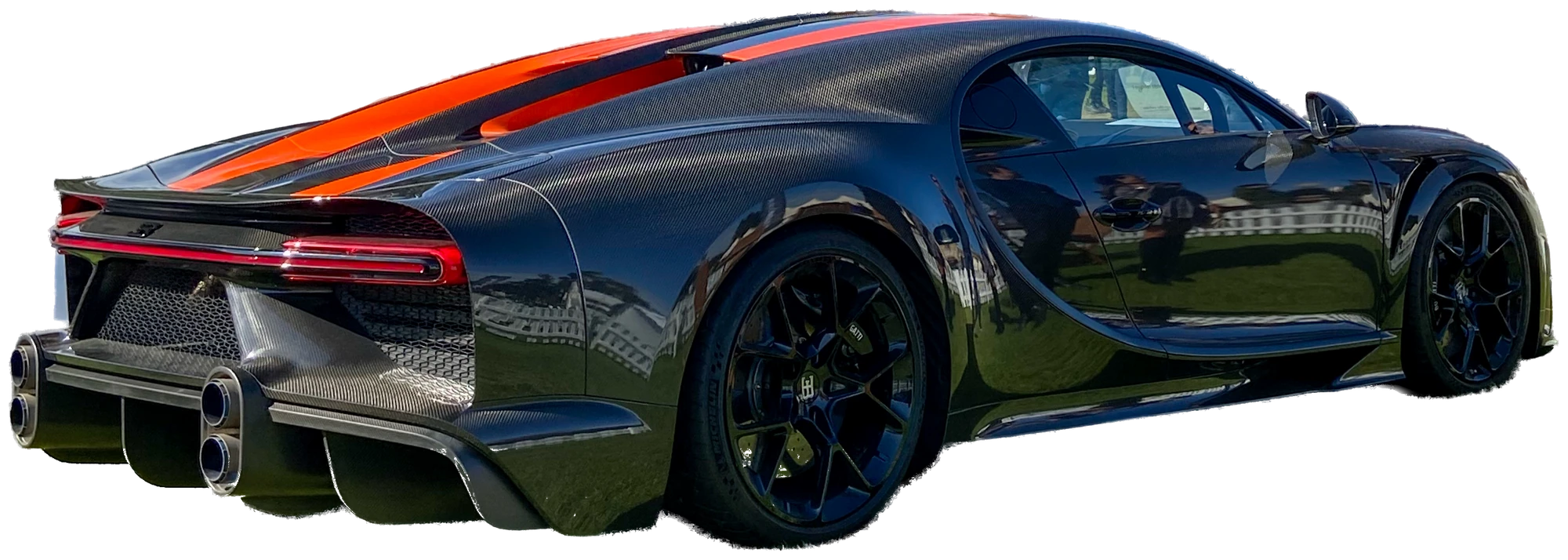
Photo cutout: Joshua Hickey / Wikimedia Commons · uploaded by Vauxford with permission · CC BY-SA 4.0 · one 2D photograph moving horizontally; not 3D geometry.